
Template
Editor
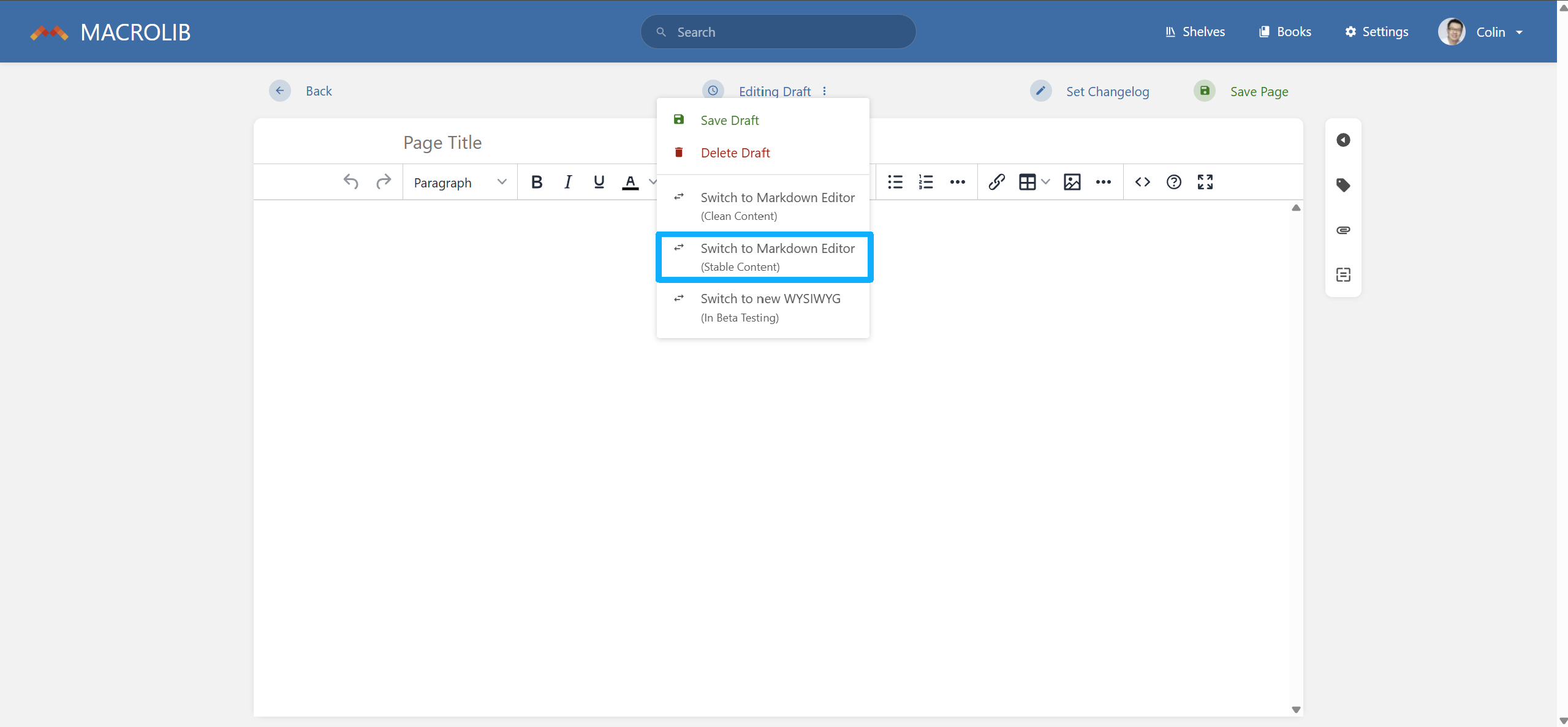
MACROLIB recommends using HTML to fully meet the display effect. To do so, authors need to switch to Markdown Editor (Stable Content) to enable HTML escaping codes.
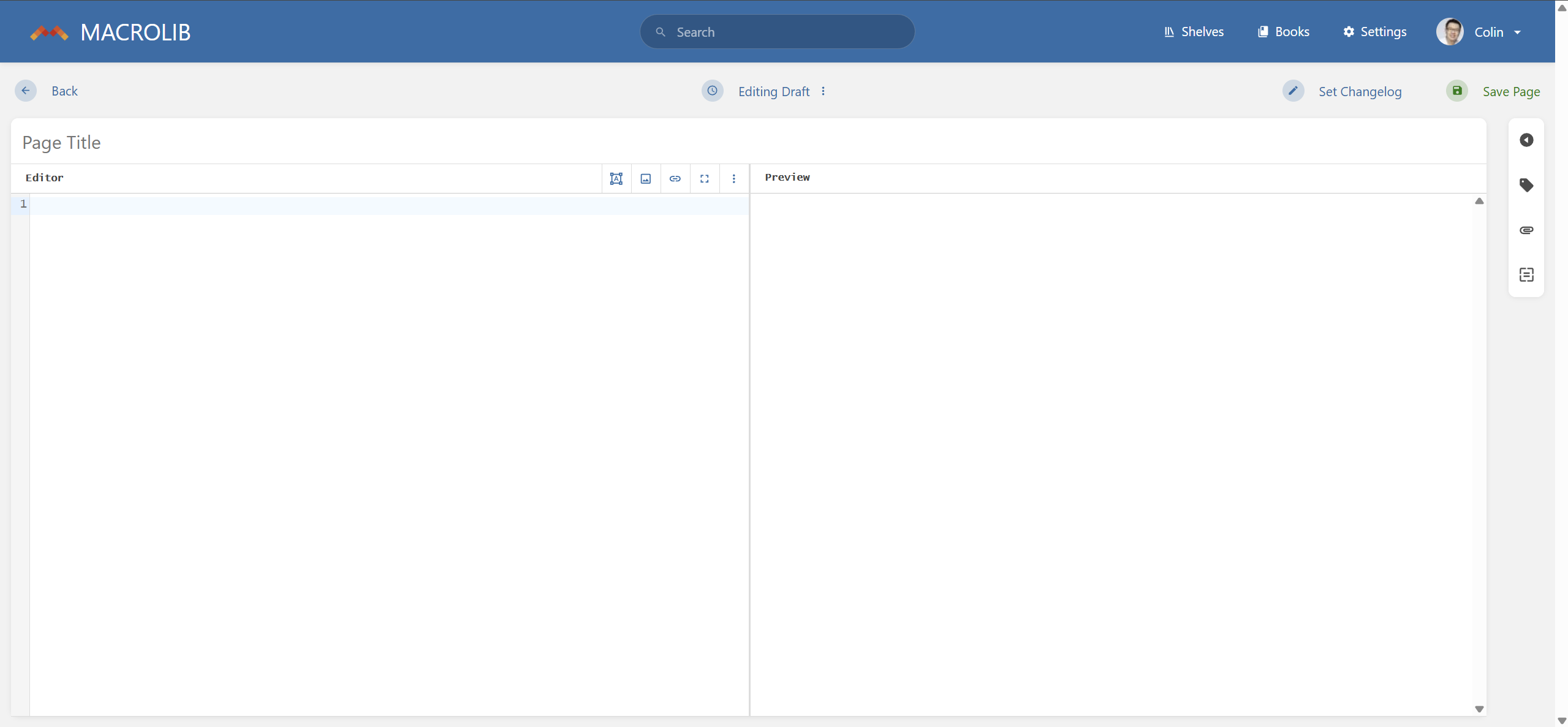
The Markdown Editor looks like this. The left side is the editor, and the right side can synchronously refresh and display the HTML code effect.
Title
MACROLIB recommends starting with h3 as the primary title. The example HTML can be found below:
<h3 id="bkmrk-level-1-title"><ins class="diffmod"><h3></ins>Level 1 Title</h3><ins class="diffmod"></h3></ins> <h4 id="bkmrk-level-2-title"><ins class="diffmod"><h4></ins>Level 2 Title</h4><ins class="diffmod"></h4></ins> <h5 id="bkmrk-level-3-title"><ins class="diffmod"><h5></ins>Level 3 Title</h5><ins class="diffmod"></h5></ins> <h6 id="bkmrk-level-4-title"><ins class="diffmod"><h6></ins>Level 4 Title</h6><ins class="diffmod"></h6></ins>
Main Text
For English, p is recommended. The example HTML can be found below:
<p>This is the main text</p>
For Chinese, p with 2 text indent is recommended. The example HTML can be found below:
<p style="text-indent: 2em">This is the main text</p>